
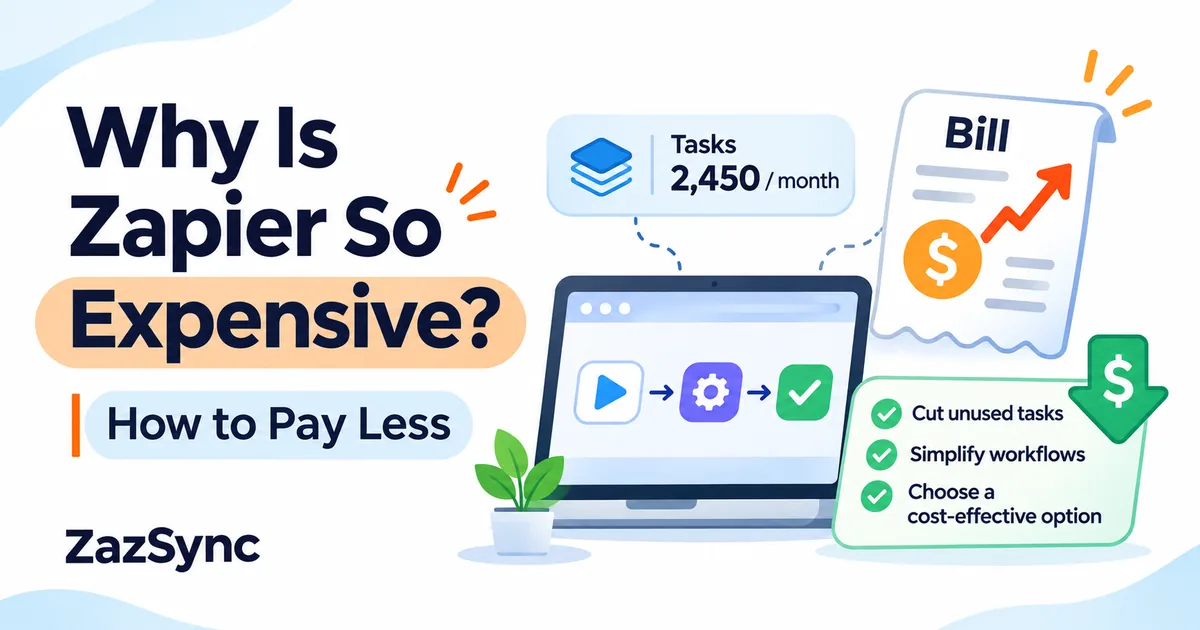
Why is Zapier so expensive? For many small businesses, the issue is not simply the subscription price. A workflow can run several billable actions each time it starts, task usage can grow with business activity, and paid plans may charge for additional usage. More advanced tools can also consume tasks at different rates.
If you're wondering whether Zapier is worth it—or saying "Zapier is too expensive"—this guide explains what drives the bill and how to control it.
Why Is Zapier So Expensive for Some Small Businesses?
Zapier connects many services and lets teams build sophisticated workflows. Its paid plans reflect that flexibility and usage.
But a small business may only need to copy inquiries into a CRM and notify staff. As those steps repeat, task-based pricing can feel high for a simple outcome.
Four issues tend to explain the surprise:
You pay for successful action work, not just the number of automations. A single Zap may perform multiple billable actions each time it runs.
More customers or orders can mean more tasks. A workflow that fit last month's allowance may pass its limit as your activity grows.
Paid-plan usage can continue beyond the included allowance. If pay-per-task billing is enabled, extra completed tasks can produce additional charges.
Some actions have special usage rates. AI, code, MCP, and other Zapier products may not follow a simple one-action-equals-one-task rule.
Crucially, not every step costs a task: Classic Zap triggers, Filters, Paths, and certain built-in utilities are excluded.
How Much Does Zapier Cost, and What Do Tasks Include?
As listed on Zapier's official pricing page, checked November 2026, its Free plan is $0, Professional starts at $19.99 per month, and Team starts at $69 per month. The paid starting prices shown here are monthly equivalents when billed annually; actual month-to-month billing can differ.
| Plan | Advertised starting cost | Included tasks at entry level |
|---|---|---|
| Free | $0/month | 100/month |
| Professional | From $19.99/month, billed annually | 750/month |
| Team | From $69/month, billed annually | 2,000/month |
Task allowances and entry-tier descriptions: Zapier's published pricing guide, checked November 2026. Higher task tiers and other billing options are available. Recheck the live pricing selector before publishing or buying.
A task is typically a successful action step in a Classic Zap. For example, suppose a new lead arrives through a form, a CRM contact is created, and a teammate receives a message. The form event is the trigger, while creating the CRM contact and sending the message are two actions. That run normally uses two tasks.
According to Zapier's task-usage documentation, updated November 13, 2026, triggers, Filters, Paths, and several built-in steps are free of task charges for Classic Zaps. Some AI and code functions have separate usage rates, and Zapier has announced additional billing changes for Next Gen Zaps and SDK usage beginning December 1, 2026.
Check both your plan allowance and the actions you use.
A Realistic Example: How a Small Workflow Uses 1,800 Tasks
Imagine a three-person marketing agency. When someone submits a lead form, its automation does three things:
Creates a contact in the CRM.
Sends an acknowledgment through an email app.
Notifies the team in Slack.
That is three successful actions per lead, assuming all three execute normally. The trigger itself does not use a task. This is an illustrative workflow, not a customer case study or a verified ZazSync integration.
| New leads in a month | Successful actions per lead | Estimated Classic Zap tasks |
|---|---|---|
| 100 | 3 | 300 |
| 250 | 3 | 750 |
| 400 | 3 | 1,200 |
| 600 | 3 | 1,800 |
Formula:
Monthly tasks = Successful workflow runs × Billable successful actions per run
At 250 leads, this example reaches 750 tasks. At 600 leads, it uses approximately 1,800 tasks—without the company creating a new automation.
If the business stays on a paid entry plan with a 750-task allowance, the additional usage may be charged separately when pay-per-task is enabled.
According to Zapier's pay-per-task guidance, checked November 2026, your exact extra-task rate is available in Billing settings. You can turn the feature off, but runs can be held after the plan limit is reached.
A bill can rise even when the workflow has not changed. This is not a final Zapier invoice; actual charges depend on your plan and action types.
Seven Ways to Reduce Your Zapier Bill
Before changing platforms, inspect how your existing workflows use tasks. In many cases, a small adjustment is easier than rebuilding every automation.
1. Review task usage, not just the number of Zaps
Open your Zapier usage information and identify which automations account for the most tasks.
Look for workflows that run more often than expected or perform unnecessary actions. Compare a normal month with your busiest month so your plan does not fit only when business is slow.
2. Put Filters before unnecessary actions
Imagine you receive 500 form submissions, but only 200 match the criteria for sales follow-up.
If you place an appropriate Filter before the CRM and notification actions, the workflow can skip those actions for submissions that do not qualify.
In Classic Zaps, the Filter itself does not count as a task. Savings come from avoiding downstream successful actions, not from the Filter magically removing all usage.
3. Remove actions that do not add value
Ask whether each successful action is still needed.
For instance, if your CRM already provides a useful notification, a separate notification step may be redundant.
Removing it could reduce task use, provided the built-in notification truly covers your team's needs.
Keep essential confirmations and audit steps.
4. Use free built-in steps where appropriate
Zapier says Classic Zap utility steps such as Formatter, Delay, and Filters do not count as tasks.
When you can prepare data with those tools instead of sending it through an unnecessary paid action, task usage may decrease.
This depends on the workflow. A Formatter step alone does not reduce a bill unless it replaces a billable action or prevents an unneeded one.
5. Check replayed runs and special-rate steps
Replaying an entire Zap run can cause already successful actions to execute again and count again.
Some AI, code, and connector-related operations can also consume tasks at different rates.
Review those steps before assuming every line in your task history represents a simple app action. Use Zapier's current usage documentation when planning changes.
6. Compare a higher task tier with overage charges
A higher included-task tier may work out better than regularly paying for extra tasks—but not always.
Calculate the expected monthly tasks, check the exact pay-per-task rate in your account, then compare the total with the cost of upgrading.
If task volume is unpredictable, decide whether you would rather allow extra charges or turn pay-per-task off and accept that some workflow runs may be held until your allowance resets.
7. Compare alternatives using the same workflow
Don't compare only the lowest advertised prices.
Write down the apps, triggers, actions, monthly volume, and setup responsibilities. Then ask what each platform can actually run.
For a service-based option, review our cheaper Zapier alternative for small businesses.
If you are comparing the price models directly, read Zapier vs ZazSync pricing: a real cost comparison.
Is Zapier Worth It, or Is Another Option Better?
Zapier can be a sensible purchase when you need a large selection of integrations, want to build and edit workflows yourself, use premium apps, or have teammates who share connections and maintain automations.
A higher subscription may be worthwhile if it saves more valuable staff time than it costs.
It may be a poor fit when you run a few stable workflows, do not want to manage the setup yourself, or continually pay for more tasks than those workflows genuinely need.
In those situations, a simpler or managed alternative is worth investigating.
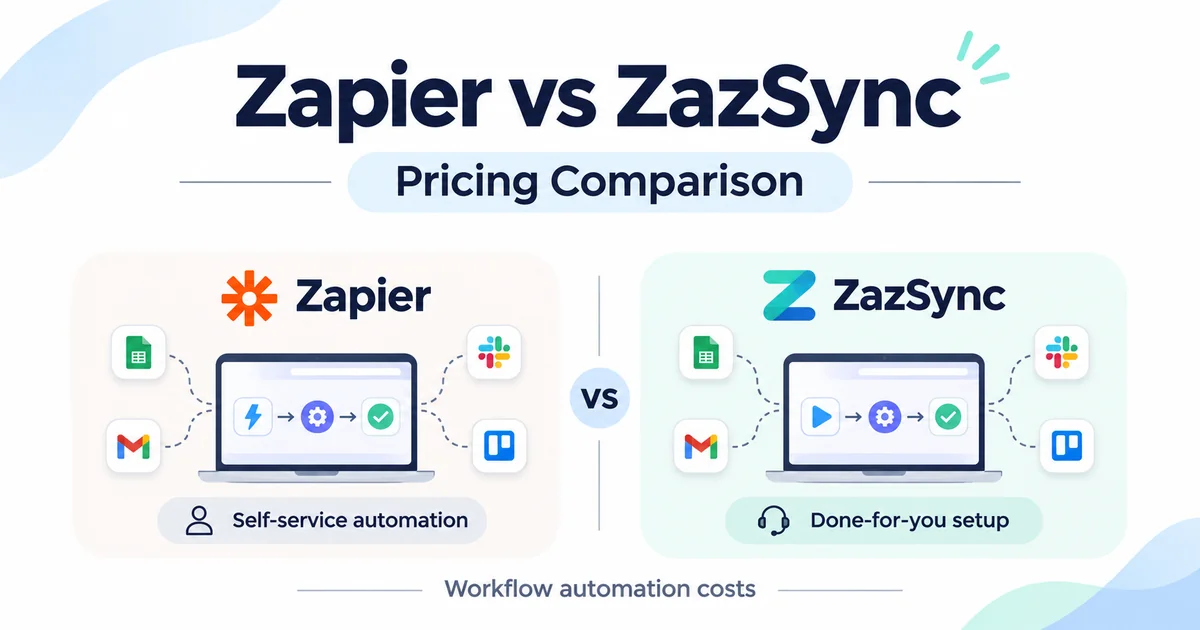
ZazSync and Zapier also have different service models.
Zapier is principally a self-service automation platform; ZazSync's current offering is done-for-you setup on ZazSync's own platform. They should not be treated as feature-identical products.
For the basics, read what app integration means.
How ZazSync Can Help
We build and test supported workflows for small businesses on the ZazSync platform, so you do not need to create the automation inside a Zapier account.
The one-time Basic setup starts at $9.99 for one workflow with up to two apps, one trigger, and one action. Subscriptions start at $6.99/month, with five flows and 1,800 monthly tasks on Starter. Other tiers are available for larger needs.
Compare our Zapier alternative service and full pricing.
We offer a free request and quote before work begins. First confirm that your apps and required actions are supported; ZazSync does not claim to support every Zapier integration.
Frequently Asked Questions
Why did my Zapier bill increase when I did not create any new Zaps?
More activity in existing automations can use more tasks.
For example, if the same Zap processes twice as many orders or leads, its successful action steps can roughly double.
Pay-per-task charges may apply above your paid plan's allowance. Review task history, recent volume, and any special-rate actions before deciding what caused the change.
Do Zapier Filters and Paths count as tasks?
For Classic Zaps, Zapier says Filter and Paths steps do not count as tasks.
Triggers and certain built-in tools, such as Formatter, are also excluded.
Actions that run successfully after those steps generally do count. Newer products and special usage rates can differ, so check the rules for the specific features your automation uses.
How do I stop unexpected Zapier overage charges?
Check your task history and billing settings, then decide whether to disable pay-per-task billing.
Zapier allows eligible paid-plan users to turn it off, but further runs may be held when the included task limit is reached.
You can also remove unnecessary actions, use Filters appropriately, or choose a task tier that matches your expected volume.
Is Zapier's free plan enough for a small business?
It can be, if you only need a simple two-step Zap and stay within the published 100-task monthly allowance.
A business that needs multi-step workflows, premium app integrations, or larger task volume may need a paid plan.
Start by estimating the successful actions you expect each month instead of judging the plan by the number of Zaps alone.
What is a cheaper option than Zapier for basic automations?
That depends on which apps and actions must work.
ZazSync lists subscriptions starting at $6.99/month and separate one-time setup starting at $9.99, but it is a done-for-you service on a different platform and does not support every Zapier feature.
Compare the total setup and subscription cost, supported integrations, and ongoing task allowance before choosing.
Bottom line: Zapier's value depends on how many successful actions you run and how much you need its self-service flexibility. Start by auditing task usage and simplifying unnecessary actions, then compare a higher task tier or an alternative on an equal-workflow basis.
Tell us which apps you want to connect and we'll send a free quote.
Zapier is a trademark of its owner. ZazSync is not affiliated with Zapier.
Ready to automate your workflows?
Tell us which apps you want to connect. Our team will review compatibility, quote an affordable setup, and configure your workflows — done-for-you expert setup for small businesses.