
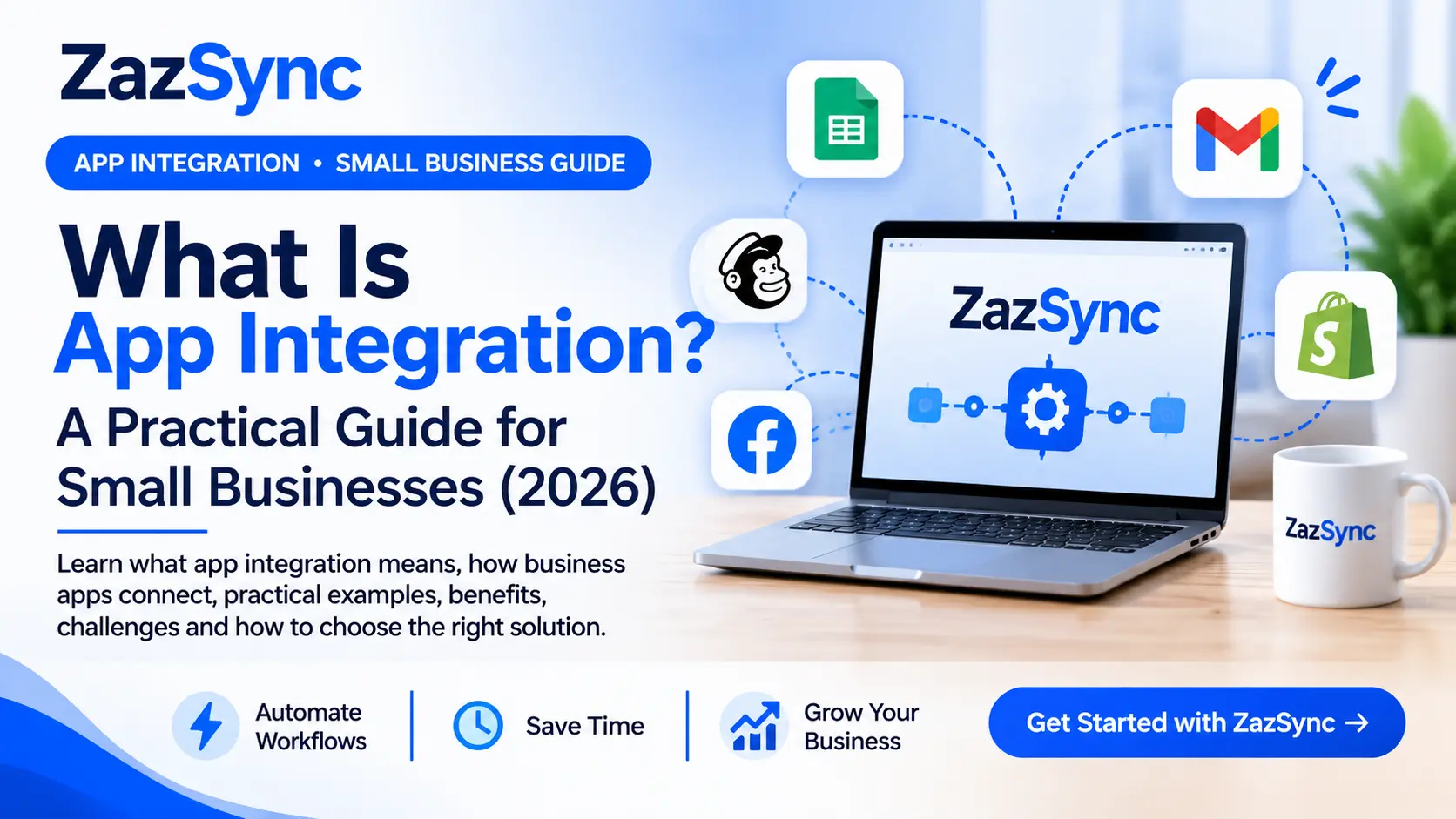
Introduction
Small businesses often rely on several applications to manage their daily operations. They may use one tool to collect customer enquiries, another to manage orders, and others to handle email marketing, payments, or team communication.
But what happens when these applications cannot share information?
Employees may need to copy data manually from one platform to another, repeat the same tasks, and switch between multiple tools throughout the day. This can waste valuable time and increase the risk of mistakes.
App integration solves this problem by connecting different software applications so they can exchange information and work together.
In this guide, we'll explain what app integration means, how it works, practical examples for small businesses, its benefits and challenges, and how to choose the right integration solution.
1. What Is App Integration?
App integration is the process of connecting two or more software applications so they can exchange information and work together.
Instead of manually transferring information between different tools, connected applications can share data automatically or when a specific event occurs.
For example, imagine someone submits a contact form on your website. With an app integration, their name, email address, and message could automatically be added to a Google Sheets spreadsheet.
You don't need to copy the information yourself.
In simple terms: App integration allows different software applications to communicate, share data, and work together.
Why Does It Matter?
Businesses use different applications for different purposes. When these tools are connected, information can move between them as part of a coordinated process.
This makes it easier to manage everyday activities without relying on unnecessary manual work.
2. How Does App Integration Work?
Most app integrations follow a simple process involving three main parts: a trigger, data transfer, and an action.
Step 1: Trigger
A trigger is an event that starts an integration.
Examples include:
A customer submits a website form.
Someone places a new online order.
A new row is added to a spreadsheet.
A customer subscribes to an email list.
Step 2: Data Transfer and Processing
After the trigger occurs, relevant information is transferred to another application.
Depending on the workflow, the information may also be filtered, formatted, validated, or transformed before it reaches the destination.
For example, a customer's name and email address can be prepared before being added to a CRM.
Step 3: Action
An action is the task performed in the connected application.
Examples include:
Creating a new spreadsheet row.
Adding a customer to a CRM.
Sending an email notification.
Creating a new order record.
Simple workflow example:
Website form submitted → Customer information transferred → New row created in Google Sheets.
This trigger-and-action process allows different applications to work together as part of one workflow.
3. 10 App Integration Examples for Small Businesses
App integration is useful across many types of businesses. Here are ten practical examples.
1. Website Forms to Google Sheets
When someone submits a website contact form, their information can automatically be added to a Google Sheets spreadsheet.
Useful for: Freelancers, agencies, and small businesses managing customer enquiries.
2. Online Orders to Inventory Management
Order information can be shared with an inventory application to help businesses keep track of incoming orders and stock-related activities.
Useful for: Online stores and ecommerce businesses.
3. Customer Enquiries to a CRM
New customer enquiries can automatically create contact records in a customer relationship management (CRM) application.
Useful for: Sales teams and service providers.
4. Payments to Accounting Software
Payment information can be transferred to accounting tools to support bookkeeping and financial record management.
Useful for: Freelancers and small business owners.
5. New Signups to Email Marketing
When someone subscribes through a website, their details can be added to an email marketing platform.
Useful for: Online businesses, newsletters, and marketing teams.
6. Booking Forms to Team Notifications
A new booking can trigger a notification to the relevant team members.
Useful for: Consultants, agencies, and appointment-based businesses.
7. Customer Support to Team Alerts
New support tickets or customer messages can trigger alerts so the team knows when attention is needed.
Useful for: Customer support teams and online services.
8. Sales Data to Reporting Tools
Sales information can be transferred to reporting applications to help businesses monitor their activity.
Useful for: Business owners and sales managers.
9. Ecommerce to Customer Communication
Order events can trigger customer communication, such as order confirmations or other relevant updates.
Useful for: Online stores and ecommerce teams.
10. Multiple Apps in One Workflow
Several applications can be connected in a single workflow.
For example, a new customer order could update a spreadsheet, create a customer record, and notify the sales team.
Useful for: Businesses that manage several connected processes.
4. Key Benefits of App Integration
Connecting business applications can make everyday operations more efficient.
Less Manual Data Entry
Information can move between connected applications without employees repeatedly copying and pasting the same details.
Better Information Consistency
Sharing information between applications can reduce manual entry errors. However, the quality of the information still depends on correct data mapping, validation, and workflow configuration.
Time Savings
Automating repetitive steps can give employees more time to focus on customers, business development, and other important activities.
Improved Team Visibility
Relevant information and notifications can reach the people who need them, helping teams stay informed.
More Connected Business Processes
Instead of managing every application separately, businesses can connect different steps into a coordinated workflow.
5. App Integration vs. Workflow Automation
App integration and workflow automation are closely related, but they describe different things.
App integration focuses on connecting applications so they can exchange information.
Workflow automation focuses on using triggers, actions, and conditions to complete tasks automatically.
A Practical Example
Imagine a business receives new customer enquiries through its website.
App integration: Connect the website form to Google Sheets.
Workflow automation: When a new form is submitted, save the customer's details in Google Sheets and send a notification to the sales team.
The integration provides the connection. The automation defines what happens and when.
Many workflow automation platforms use app integrations to build complete business processes.
6. Common Methods of App Integration
There are several ways to connect software applications. The right approach depends on the applications involved and the complexity of the workflow.
Native Integrations
Some software applications provide built-in integrations with other services.
These connections can be convenient because users may not need a separate integration platform.
No-Code Integration Platforms
No-code platforms allow users to connect supported applications through visual workflow builders.
Users can select triggers and actions without writing the integration code themselves.
API Integration
An Application Programming Interface (API) allows different software systems to communicate through defined requests and responses.
APIs are commonly used when applications need to exchange information or perform specific operations.
Webhooks
Webhooks allow one application to send information to another when a particular event happens.
They are often used for event-driven workflows where information needs to be shared when something changes.
7. Common App Integration Challenges
Although app integration can simplify business operations, setting up reliable connections requires planning.
Different Data Formats
Applications may store information differently. Data sometimes needs to be mapped or transformed before it can be used by another application.
Duplicate Records
A poorly configured workflow may create duplicate contacts, orders, or spreadsheet entries.
API Limits and Permissions
Some applications restrict API usage or require specific account permissions. These limitations can affect how an integration works.
Failed Workflow Steps
An application may become temporarily unavailable, reject a request, or return unexpected information.
Reliable workflows should account for errors and provide a way to identify failed steps.
Privacy and Security
Integrations may handle customer details, payment-related information, or other business data.
Businesses should review permissions, use trusted services, and follow appropriate data protection practices when connecting applications.
8. How to Choose the Right App Integration Solution
Before selecting an integration platform, understand what your business actually needs.
Consider these seven factors:
1. Supported Applications
Check whether the platform supports the applications your business already uses.
2. Available Triggers and Actions
An application may be supported, but not every event or operation may be available. Confirm that the specific triggers and actions required for your workflow exist.
3. Ease of Use
Choose a solution that matches your technical experience. A visual, no-code workflow builder may be suitable if you do not want to write code.
4. Pricing and Usage Limits
Compare subscription costs, task limits, and the way each platform counts workflow activity.
Look beyond the starting price and estimate the cost of your expected usage.
5. Error Handling
Check whether you can identify failed workflows, review execution history, and understand what went wrong.
6. Custom Integration Options
If an application is not directly supported, an API or webhook may provide another possible integration route. Custom development may be required.
7. Future Business Requirements
Think about the workflows you may need as your business grows. Choose a solution that can accommodate your likely requirements.
Important: The best integration platform is not necessarily the one with the most features. It is the one that can reliably support the applications and workflows your business actually needs.
9. Connect Your Business Apps with ZazSync
Managing multiple business applications shouldn't mean spending your day transferring information between them.
ZazSync is an app integration platform to connect business apps, transfer data, and automate workflows.
Tell us your apps. We'll check compatibility and help build integrations where feasible.
Whether you are a freelancer, small business owner, or growing team, ZazSync aims to help you connect the tools you use and simplify repetitive business processes.
Simple and Transparent Early Access Pricing
Plans from $6.99/month.
During Early Access, subscription payment is collected only after your integrations are confirmed and your workspace is ready.
You can tell us which applications you use and what you want to automate. We'll review your requirements and help you understand the available options.
Ready to connect your apps?
10. Frequently Asked Questions
What is app integration in simple terms?
App integration means connecting two or more software applications so they can exchange information and work together.
Why is app integration important for small businesses?
It can reduce repetitive manual work, improve information sharing, and help businesses connect everyday processes.
Do I need coding skills for app integration?
Not always. No-code integration platforms allow users to connect supported applications through visual workflow builders. More complex or custom integrations may require development skills.
What is a simple example of app integration?
Automatically sending website contact form submissions to Google Sheets is a simple example.
What is the difference between API integration and app integration?
API integration is one technical method of connecting software systems. App integration is the broader concept of connecting applications so they can work together.
Is app integration the same as workflow automation?
No. App integration connects applications, while workflow automation uses triggers, actions, and conditions to perform tasks.
Is app integration secure?
Security depends on the applications, integration platform, permissions, and data-handling practices. Businesses should review access requirements and use appropriate security measures.
What if my application is not supported?
An API, webhook, or custom integration may be possible, depending on the application's technical capabilities and available access.
How much does app integration cost?
The cost depends on the integration platform, number of applications, usage limits, and complexity of the required workflow.
How do I get started with app integration?
Start by identifying a repetitive task, listing the applications involved, and checking whether the required triggers and actions are available.
Final Thoughts
App integration helps businesses connect the applications they already use and reduce unnecessary manual information transfer.
From managing customer enquiries to processing orders and sharing business data, the right integrations can make everyday operations simpler and more connected.
You don't need to automate everything at once. Start with one repetitive task, identify the applications involved, and build a workflow that solves a real business problem.
Want to connect your business applications?
Explore ZazSync and tell us what you want to automate.
Ready to automate your workflows?
Connect third-party apps, run scheduled syncs, and eliminate manual busywork with enterprise durability.